Drag & Drop Your Image Here
Supports JPG, PNG, GIF, and WebP formats
Preview
Original image will appear here
Compressed image will appear here
Reduce image file sizes without sacrificing quality. All processing happens securely in your browser.
Supports JPG, PNG, GIF, and WebP formats
Original image will appear here
Compressed image will appear here
Compress images in seconds with our optimized algorithm that maintains quality while reducing file size.
All processing happens in your browser - no uploads to servers. Your images never leave your device.
Works perfectly on desktop, tablet, and mobile devices. Compress images anywhere, anytime.
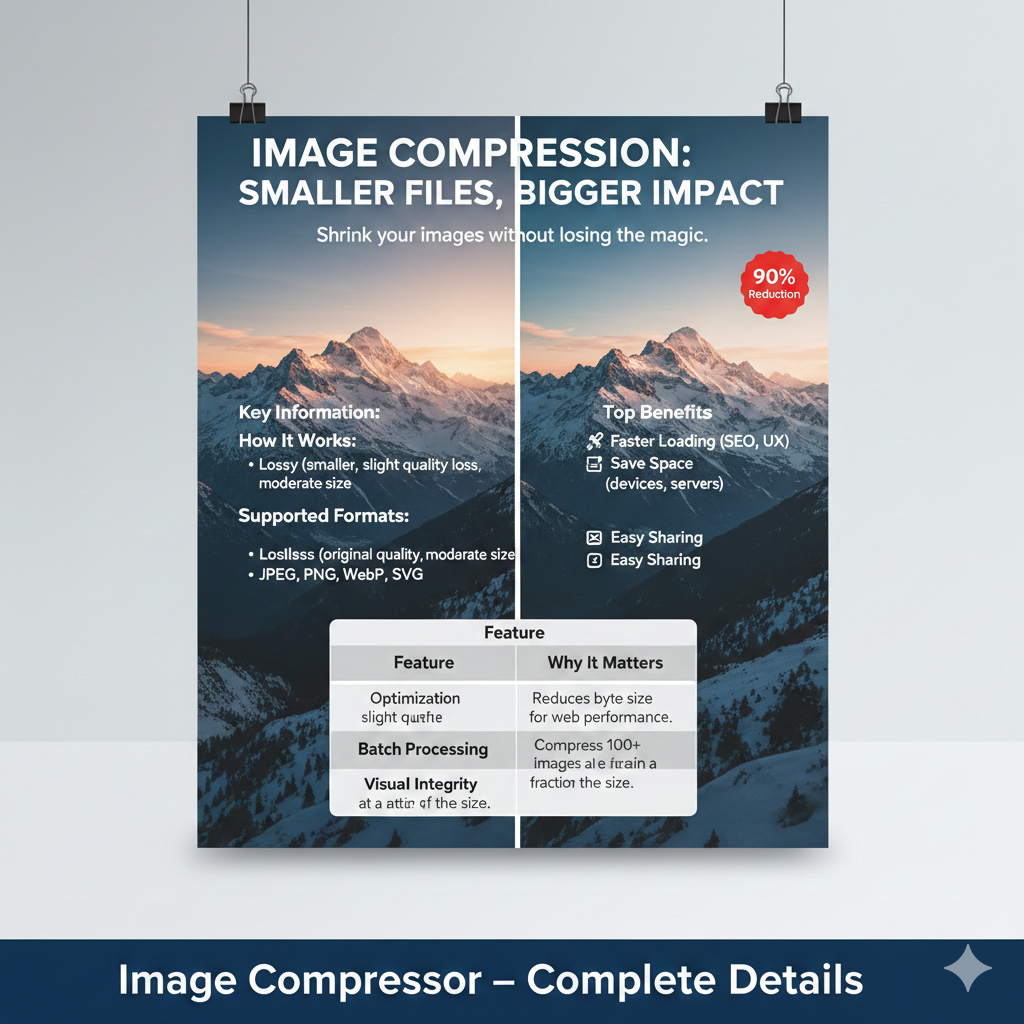
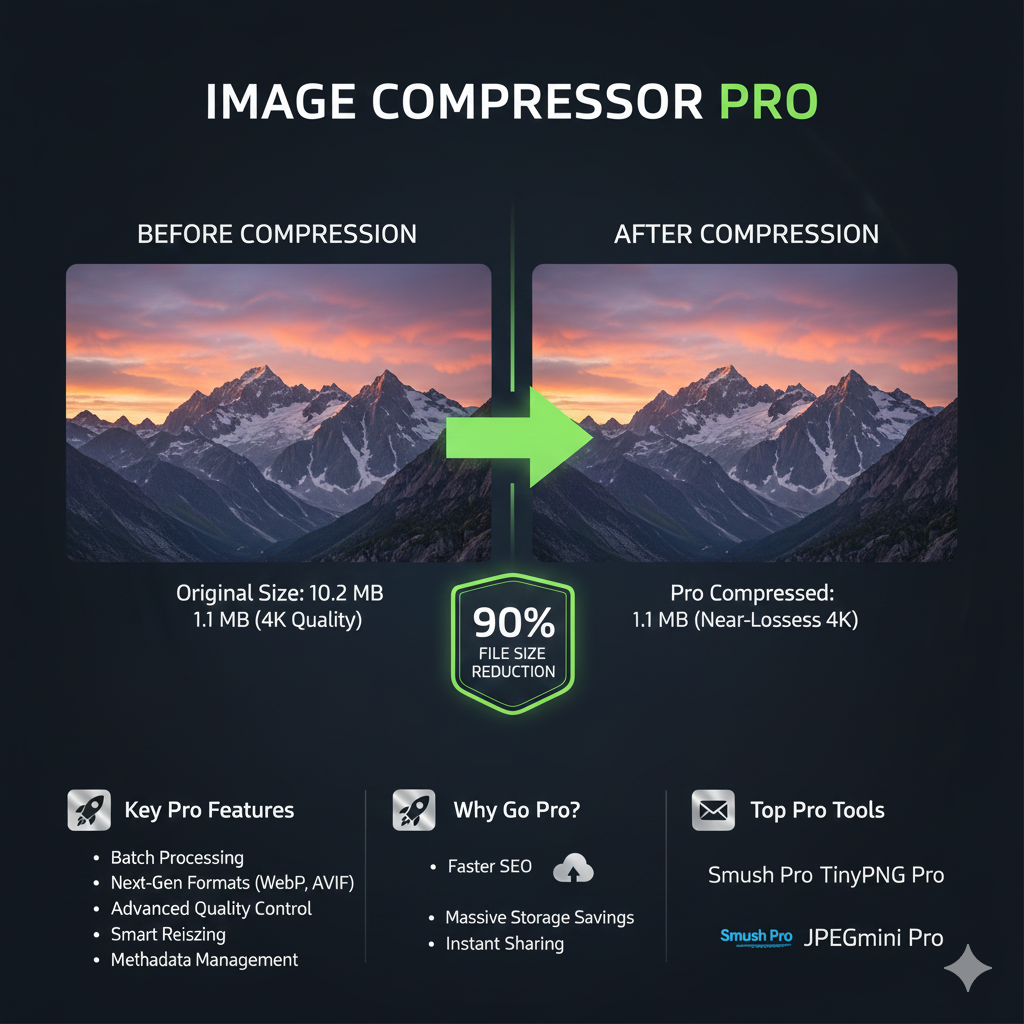
A tool like this makes pictures smaller but keeps how they look. By taking out bits we rarely see, it shrinks files quietly. Found on websites or as apps, it fits many devices. Clicking a couple times does the job - no know-how needed. Pictures matter more now than ever online. From blogs to shopping sites, visuals grab attention - making people stay longer. But heavy photo files? They drag pages down. A sluggish site frustrates visitors, who might leave fast. That same delay can push search results lower too. Heavy pictures take up extra room on devices. They gobble up mobile data, too - especially tough when connections are slow. That’s when shrinking those files really pays off. Smaller sizes mean pages snap open quicker. Less clutter piles up in storage. Online traffic eases without losing clarity. Tools that squeeze images keep visuals sharp. Speed climbs. Efficiency follows. For builders of sites, crafters of layouts, makers of posts - it just works.
What happens when pictures get smaller but stay sharp? Hidden bits inside the file vanish quietly. Unseen metadata slips away first. Extra colors that add nothing disappear next. Patterns repeating across pixels fold into one. Background hints nobody sees get trimmed out. The image weighs less after this quiet sweep. Yet what you view stays unchanged. Lots of folks see JPG pop up everywhere, then there's JPEG - basically the same thing. PNG shows up when transparency matters, while WEBP sneaks in for efficiency. Tools today handle GIFs without a hitch, which helps animations load faster online. Visual clarity stays intact even as pixels get squeezed down. Shrinking images keeps them sharp but smaller, that is what matters. One way to shrink image size works by tossing out some data, making files smaller but lowering quality. Another method keeps every bit of info, so pictures stay sharp while still taking up less space Every time you save a photo with lossy compression, it gets smaller because tiny bits of detail vanish into thin air. Most people won’t notice those missing pieces - eyes see what they expect to see anyway. Web pages use these lighter files so things load quicker when someone clicks through. Think blogs, shared moments on networks, digital albums tucked online. Less data means less strain on servers, fewer delays for visitors scrolling fast. Search engines also favor sites that respond without lag. Quality dips just enough to make room for speed. Picture data shrinks yet keeps every detail when using lossless methods. This kind of shrinking leaves each dot untouched. It works well for tasks like creating artwork, taking photos professionally, handling brand symbols, or preparing pages for printing. Even if the saved space isn’t huge - unlike cruder techniques - the look never changes. Quality? Still exactly what it started as. Achieving the right mix of clarity and efficiency often comes down to how pictures are compressed. When visuals load faster, people stay longer, sites respond quicker, one result being better rankings online. Handling images wisely becomes a quiet foundation of today's web content work.
An Image Compressor is a tool that reduces the file size of images while maintaining good visual quality. It helps improve website speed, save storage, and optimize images for web use.
It depends on the compression type. Lossless compression keeps original quality, while lossy compression slightly reduces quality to achieve a much smaller file size. Most tools balance quality and size automatically.
Most image compressors support popular formats such as JPG, JPEG, PNG, WEBP, and GIF, making them suitable for websites, social media, and mobile apps.
Yes, image compression improves page loading speed, which is an important ranking factor for search engines like Google. Faster websites provide better user experience and SEO performance.
Trusted image compressor tools use secure processing and delete images automatically after compression, ensuring user privacy and data safety.
Yes, many online image compressor tools are free and allow users to compress images without registration or software installation.
Shivam AI Tools provides simple, fast, and reliable online calculators to help users plan better and make informed decisions. Our tools are designed for ease of use and educational purposes only
Best Development Company Shivam Software Raipur Chhattisgarh
+91 9669251442
shivampandey22798@gmail.com